 Free Games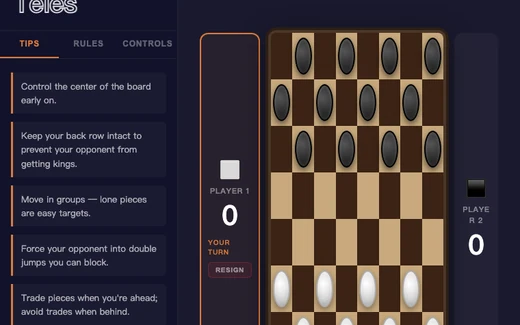
How Checkers, Four in a Row and Dominoes differ
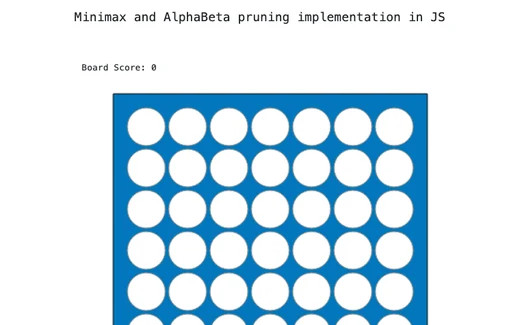
Four in a Row asks one question a turn: which column. Your disc falls to the lowest free slot, so the whole column is the target and nothing has to be aimed at precisely. Checkers is the long one: twelve pieces a side, moving along the diagonals, with a position that builds over many turns. Dominoes is the least board-like of the three: you are matching a number against the number at either end of a line, and the skill lies in which tiles you hold back.
They also differ in how much you can set. Checkers offers Easy, Medium or Hard, but only once you have chosen to play the computer rather than a person. Four in a Row has a box marked Depth, set to 4, which is how many moves ahead it looks. Put it down to 1 or 2 for a gentler opponent, or up to 7 or 8 for a slower, tighter game. Dominoes has no such setting: the computer sheds heavy tiles and lays doubles early, and it makes no attempt to work out what you are holding.
Of those three, Checkers and Four in a Row are hosted here rather than written by me: open-source games running as their authors built them, which is why neither has an undo or a hint button; each of their pages carries an About this version note naming the source. Dominoes is mine, and that is where the Hint that explains its reasoning and the unlimited Undo come from.
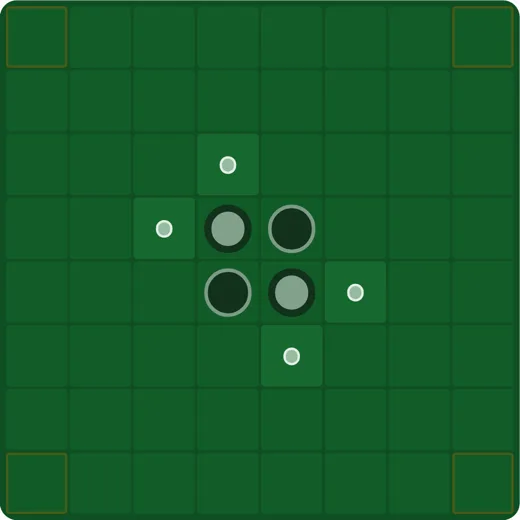
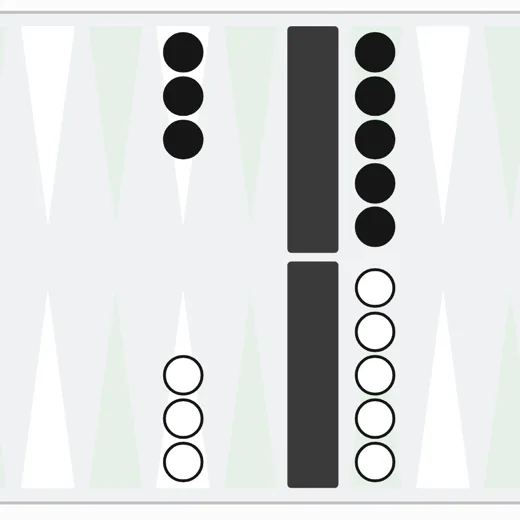
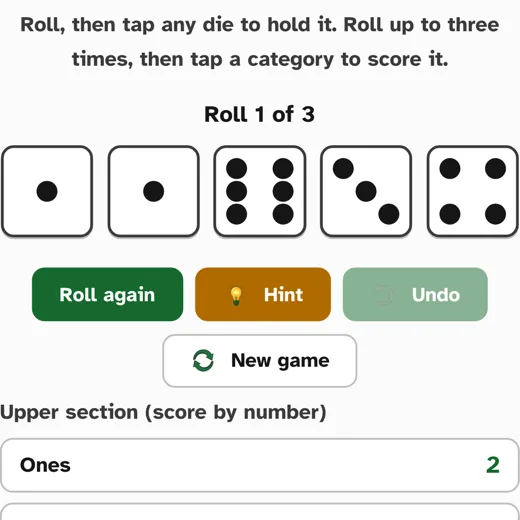
Reversi, Backgammon and Five Dice are mine too, and each has its own page with the rules. In Reversi every legal square carries a marker and there are three difficulty levels. In Backgammon you tap a checker and every point it can reach lights up. Five Dice shows what each scorecard category is worth with the dice as they lie. All three have a Hint that gives its reason.
Starting one if you have never played
Checkers shows a short menu before the board appears. Choose Two Players to share one screen, or vs Machine for the computer, then Italian or English, then Start Game. The two versions differ in small ways, which the game lists for you under Rules in the side panel and rewrites as you switch; Italian is the one already selected. Once the board is up, click a piece and every square it may legally move to turns green.
Four in a Row begins straight away. Click any circle in the column you want (top, bottom, or one that already holds a disc) and your disc drops to the lowest free slot in that column. The line reading Board Score is the program showing its own working while it thinks; it is not your score, and nothing is being counted against you.
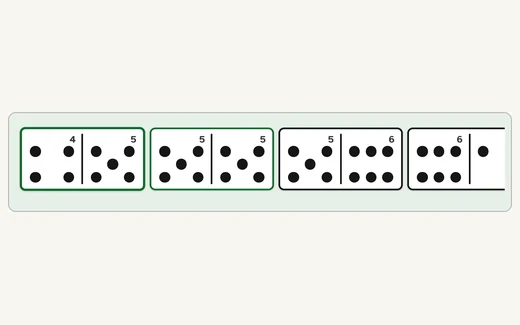
Dominoes deals seven tiles each from a double-six set, and the highest double opens, which is sometimes the computer. Tap one of your tiles and it lays itself; it only asks which end you meant when the tile fits both, and then a button appears for each end, naming the number you would be matching. If nothing in your hand fits, a button appears to take one from the boneyard. That is the ordinary rule, not a setback. Press Hint and it names the tile, says which end it goes against, and explains why, such as leaving ends that more of your remaining tiles can still reach.
Reading the board, and moving without dragging
A click that lands on nothing simply does nothing, in Checkers, Four in a Row and Dominoes, so a slip costs you the click and not the piece. In Checkers you click a piece and then one of the green squares, picking from marked destinations rather than judging diagonals by eye. In Four in a Row the column is the target rather than the slot. In Dominoes you tap the tile rather than the place, and the game works out where it goes.
Dominoes prints large pips and a numeral on every tile, since six dots take a moment to count and a bare number stops looking like a domino. The two open ends of the line are outlined, so what you are matching is always visible, and the line is laid as one straight run rather than snaking round corners the way it would on a real table. It can also be played from the keyboard: arrow keys move along your hand, Enter or the space bar lays a tile, H is Hint and U is Undo.
The display button sits in the bottom-right corner of every page, marked with an A. It opens a small panel with text size, high contrast and dark, and it changes the page it is on, including the Dominoes tiles, because Dominoes is part of the page. Checkers and Four in a Row run inside their own frame, so that panel does not reach into them; browser zoom is the control that does, and the keystrokes are in the questions below.
Two people on one screen, and stopping when you like
For two people, choose Two Players on the Checkers menu. The two name boxes are optional labels shown beside the board and default to Player 1 and Player 2 if you leave them empty. A tablet flat on a table between two chairs works better than a laptop here, since neither of you has to reach past a screen or a keyboard.
None of the six is timed, and the computer will wait as long as you like. These have an opponent, though, so unlike the puzzles they do end, in a win or a loss. You can start over in the middle of a game: New Game in Checkers, Restart in Four in a Row, New round in Dominoes. Checkers also has a Resign button beside each player and a Menu button back to the opening screen. Nothing about your game is stored on my server, which is also why a half-played board does not survive closing the tab.